

If you’ve applied for Asaan Karobar Finance Scheme and now want to Check Your Asaan Karobar Finance Application Status online, you’re in the right place. This guide explains simple steps to see whether your application is under process, approved, rejected, or needs more documents — in very easy words.
Punjab Government started the Asaan Karobar Finance Scheme to help small business owners, youth, and entrepreneurs get an interest‑free loan quickly without complicated paperwork. Once you apply, it’s important to keep track of your application so you know what stage it’s at.
Read More: Latest 8171 BISP Camp System

Table of Contents

How to Check Your Asaan Karobar Finance Application Status Online
Here is the straightforward way to check your status right from your phone or laptop:
- Open any web browser (Chrome, Safari, Firefox).
- Go to the official portal: akc.punjab.gov.pk.
- Tap on Login and enter your CNIC number and password that you used while applying.
- Once logged in, find the “Application Status” section in your dashboard.
- Click it and you will see your current application status.
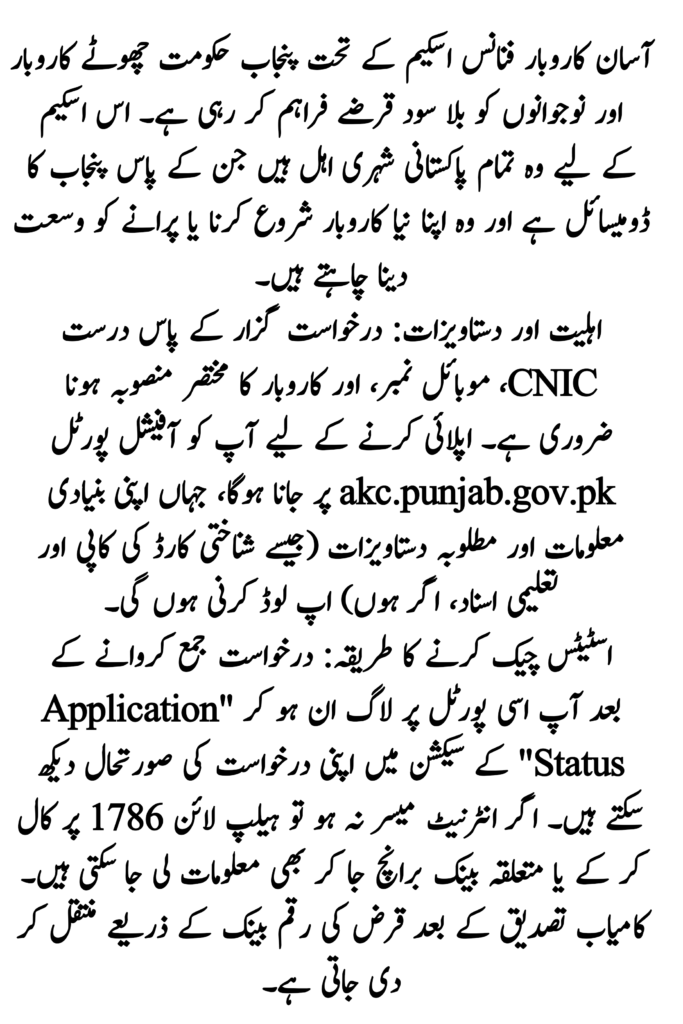

What Different Asaan Karobar Finance Statuses Mean
| Status | What It Means |
| Under Process | Your application has been received and is being reviewed. |
| Approved/Verified | Great news! Your loan has been accepted. |
| Rejected | Your application did not meet the requirements. |
| Verification Error | Some documents or details need correction. |
| Additional Documents | You must upload missing papers. |
Sometimes the portal may show terms like “PSID: Null” or “Status: Null”. This usually means there was a problem verifying your documents or data, and you may need to fix it.
Read More: Maryam Ko Batain Payment
Alternative Ways to Check Asaan Karobar Finance Status
If you don’t have internet or face trouble with the portal, here are other options:
- SMS: In some cases, you can send an SMS like STATUS [Application ID] to a shortcode (check latest details on the official portal).
- Call Helpline: Dial the scheme helpline number (1786) and give your CNIC or application number to the support team for updates.
- Bank Branch Help: Visit your nearest bank branch where you applied and ask the officer to check your status.
Read More: BISP Q-III Payment Date
Tips to Avoid Common Problems
- Always use your real CNIC and correct mobile number.
- Fill all fields carefully before submitting applications.
- If the portal shows a verification error, check the documents you uploaded.
- Be patient — sometimes status can stay at Under Process for a few days before moving forward.
Final Words
Checking your Asaan Karobar Finance application status is simple when you know the steps. Just log in, click the status tab, and read what the portal shows. If there’s a problem, don’t worry — usually it can be fixed with a call or by updating your documents. Best of luck with your business loan!
Read More: PSRP Phase 3 Schools List
FAQs
Q: Can I check my status without logging in?
No. For safety and accuracy, you must log in using your CNIC and password to see the status.
Q: What if I forgot my password?
Just click “Forgot Password” on the login page and follow the steps to reset it.
Q: What does “Verification Error” really mean?
It means the portal found something wrong with your details or documents. You may need to correct and upload again or contact the helpline.
Latest Updates
 Gold And Silver Rates In Pakistan Today – Updated 2026
 Ramzan Negahban Card Who Is Eligible and How Families Can Get Financial Help This Ramadan In Update 2026
 8171 Web Portal Again Currently in Working – Check Your BISP Eligibility Online Now
 Who Is Eligible for 14500 BISP New Payment? Complete Guide for Beneficiaries in 2026
 Urgent Update! Will Ramadan Have 29 or 30 Fasts? Meteorological Department Issues Final Prediction 2026
 Breaking News 2026: 8558 Ramzan Package Apply Online – Check Eligibility & Registration Guide