
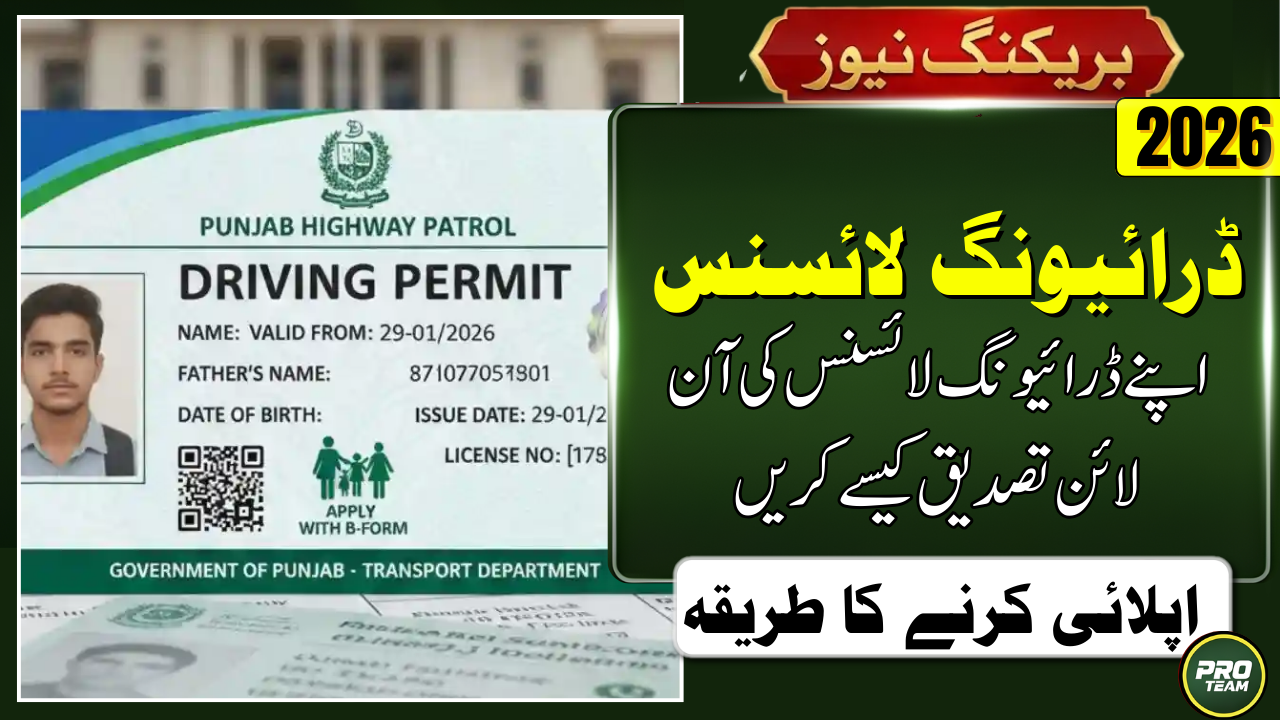
Is your driving license still valid, or are you at risk of a heavy traffic fine today? In 2026, the traffic police have synchronized all provincial databases, making it mandatory for every driver to ensure their credentials are electronically verified to avoid legal trouble. This explosive guide reveals the quickest way to check your license status online and ensures you never get caught with an expired or unverified permit on the road again.
Quick Summary:
| Information Type | 2026 Official Details |
| Verification Method | CNIC & License Number |
| Online Portal | DLIMS Punjab Official |
| Verification Time | Instant (Less than 1 minute) |
| Mobile App Support | Available for iOS & Android |
| Cost of Service | 100% Free of Cost |
Why Is Online License Verification Necessary in 2026?
The introduction of AI-based traffic cameras and automated challan systems in 2026 means that your license must be active in the central database. If your data is not showing up online, the system will categorize you as an unlicensed driver, leading to immediate penalties during road checks. Digital verification also helps you identify whether your license was issued by a legitimate authority or if it is a fraudulent document.
What Are the Essential Requirements for Verification?
Before you access the provincial portals, make sure you have your physical license or a digital copy of your credentials ready for the search. The system requires specific identifiers that match the records stored in the National Database and Registration Authority (NADRA) to provide an authentic result. To proceed with the check, you will generally need the following items in hand:
- CNIC Number: Your 13-digit Computerized National Identity Card number without dashes.
- License Number: The unique alphanumeric code printed on your driving permit.
- Province Selection: Knowledge of which province (Punjab, Sindh, KPK, etc.) issued the license.
- Internet Connection: A stable connection to access the high-traffic government servers.
- Security Captcha: The ability to solve a simple visual puzzle to prove you are not a bot.
How to Verify Your Driving License Online Step-by-Step?
The process of Verify Your Driving License has been simplified to ensure every citizen can access their data using just a smartphone or a laptop. You no longer need to visit a physical office or stand in long queues at the E-Khidmat Markaz just to check your document’s validity. Simply follow these high-speed steps to get your status on the screen within a few seconds:
- Access Portal: Visit the official provincial link like DLIMS Punjab.
- Enter Details: Input your CNIC number in the designated search box carefully.
- Input License ID: Enter your driving license serial number exactly as it appears.
- Security Check: Complete the “I am not a robot” captcha verification process.
- Get Results: Click the “Verify” or “Submit” button to view your digital record.
Official Verification Links for All Provinces 2026
| Province/Region | Official Verification Link |
| Punjab (DLIMS) | dlims.punjab.gov.pk/verify |
| Islamabad (ITP) | islamabadpolice.gov.pk/verify |
| Sindh (DLS) | dls.gos.pk/verification |
| KPK (PTP) | ptpkp.gov.pk/verification |
| Balochistan (QTP) | qtp.gob.pk/driving |
How to Check License Status via Mobile App?
For those who prefer a more integrated experience, the Punjab Police and other provincial departments have launched dedicated mobile applications in 2026. These Verify Your Driving License apps allow you to save a digital copy of your license, which is legally acceptable during traffic stops under the new digital governance laws. Once you log in with your CNIC, the app automatically syncs with the central server to show your real-time status.
What Information Will Be Visible After Verification?
When you successfully submit your details, the portal will display a comprehensive electronic version of your driving profile as per government records. This transparency ensures that you can spot any clerical errors in your data and get them corrected before your license expires. The following details will be displayed on your screen during the verification process:
- License Status: Shows whether the permit is Valid, Expired, or Suspended.
- Personal Data: Displays your full name, father’s name, and registered city.
- Validity Dates: The exact date of issuance and the upcoming expiry date.
- Vehicle Category: Indicates if you are authorized for Motorcycle, LTV, or HTV.
- Digital Photo: The official photograph captured during your biometric session.
Conclusion
Verify Your Driving License in 2026 is a fundamental responsibility for every driver to ensure they are compliant with the law. By using the officialDLIMS Punjab Portal, you can confirm your status in seconds and travel with peace of mind across the country. Do not wait for a traffic stop to find out your license is expired; check your status right now and take the first step toward a safe and legal driving experience.
Latest Updates
 Latest News: Pakistan 5G Auction 2026: Final Phase for Ultra-Fast Internet
 Today Update: Punjab Dhee Rani Program Phase 2 2026 – Complete Registration & Marriage Support Guide
 Latest Update: Bank of Punjab Role In Nigehban 10000 Cash Scheme New Update
 Today Update: BISP 8171 New Survey Starts with New Installment Payment – Full Eligibility & Verification Guide
 Latest Update: PM Ramzan Relief Package 2026 – Rs. 13,000 & Rs. 10,000 Cash Support Complete Guide
 Today Updates About PMRRP.nitb.gov.pk Relief Package 2026 – Complete Guidelines